LinkedIn Outreach Automation: Best Practices for Safe and Effective Prospecting
Learn the best practices for safe LinkedIn outreach automation, avoid common mistakes, and discover how personalization can improve professional networking results.
InstaInker Team
InstaInker
LinkedIn outreach has become a significant aspect of business networking.
Business founders rely on it to reach their customers.
Recruiters use it to source their potential candidates.
Salespeople use it to get new leads.
With the increasing popularity of LinkedIn, a lot of business individuals began employing outreach automation solutions to help them with their networking process.
It sounds quite easy.
Rather than sending hundreds of connection requests and messages by themselves, the software will assist you in automating part of the process.
But there’s something very important about this topic that most individuals ignore.
Spam can hurt.
Understanding that difference is the key to using LinkedIn outreach automation safely.
What is LinkedIn outreach automation?
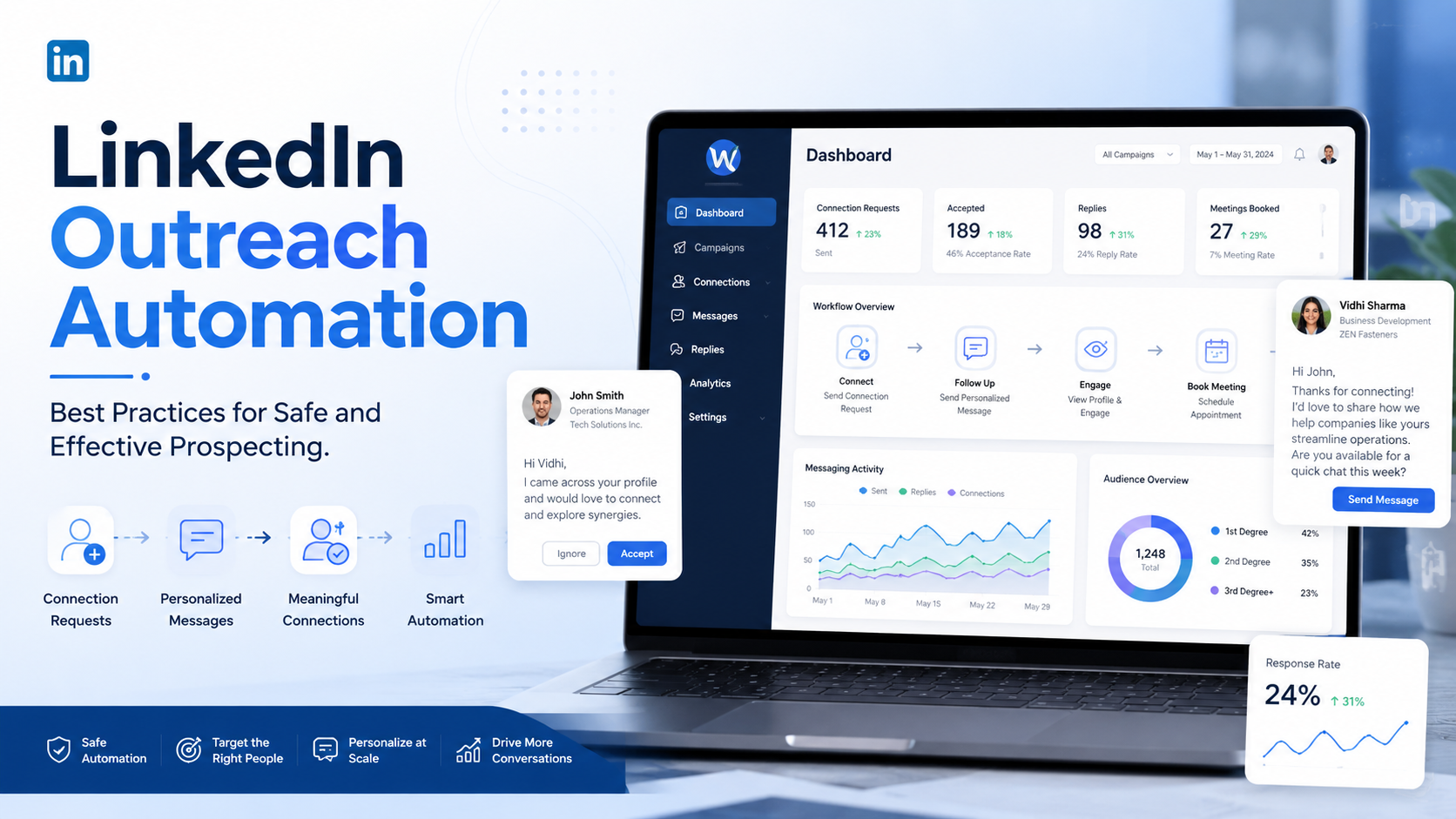
Outreach automation in LinkedIn involves automating repetitive networking tasks via computer programs or systems.
Examples of these tasks include:
- sending out connection requests
- sending follow-up emails
- managing outreach campaigns
- response tracking
- managing conversations
Automating is not necessarily about substituting human interactions.
Automating aims at minimizing repetitive tasks.
This means that rather than reminding oneself to follow up on each message manually, one can use automation programs to facilitate the process.
Used correctly, automation is beneficial.
When used carelessly, it can damage relationships and potentially create account risks.
Why outreach automation has become popular
The biggest reason is scale.
Networking manually becomes difficult as professional goals expand.
A recruiter hiring for multiple positions may need to contact hundreds of candidates.
A founder may want to connect with potential customers.
Consultants might be seeking access to decision makers from particular sectors.
This cannot be accomplished without taking considerable time.
Automation is a solution for streamlining this process.
The tricky part is balancing efficiency and genuineness.
The biggest mistake people make
Many users approach LinkedIn automation with the wrong mindset.
They focus entirely on volume.
Their thinking becomes: "If I send more requests, I will get more results."
This often creates the opposite outcome.
People receive generic messages every day.
Most can immediately recognize automated outreach.
Messages that feel impersonal are frequently ignored.
Successful networking rarely comes from sending the highest number of messages.
It comes from creating relevant conversations.
Why LinkedIn is careful about automation
The main objective of LinkedIn is to ensure its platform remains professional and credible.
The platform desires real interaction.
It does not desire spam.
This is the reason LinkedIn checks for any abnormal behavior.
Examples may include:
- excessive connection requests
- unusually high activity levels
- repetitive messaging patterns
- low acceptance rates
The objective is not to punish networking but protecting user experience.
That is why safe outreach automation focuses on moderation and personalization rather than aggressive activity.
Which LinkedIn outreach tools do people use?
When people talk about LinkedIn outreach automation, they are usually referring to third-party tools that help manage prospecting and networking activities.
Popular tools in this space include:
- Expandi
- Dripify
- Waalaxy
- Zopto
- Meet Alfred
These platforms are often used to automate tasks such as:
- connection requests
- follow-up messages
- prospecting campaigns
- lead tracking
The appeal is obvious. Instead of manually managing hundreds of conversations, users can build workflows that save time and improve consistency.
However, there is an important trade-off.
Many automation tools operate outside LinkedIn's official ecosystem. This means users must be careful about how aggressively they automate their activity.
LinkedIn regularly monitors unusual behavior patterns such as excessive connection requests, repetitive messaging, or activity levels that appear unnatural. Overusing automation tools can increase the risk of account restrictions or warnings.
This does not mean every automation tool will automatically get an account banned. It simply means users should understand that aggressive automation always carries some level of risk.
That is why many professionals prefer using automation to assist their workflow rather than completely replacing human interaction.
Are there LinkedIn-approved alternatives?
Not every form of automation involves third-party outreach tools.
LinkedIn provides several built-in features that help professionals manage networking more efficiently without violating platform guidelines.
These include:
- LinkedIn Sales Navigator
- saved searches
- lead lists
- profile alerts
- InMail messaging
- CRM integrations for enterprise users
Sales Navigator, in particular, is widely used by sales professionals and recruiters because it helps users identify relevant prospects, track activity, and organize outreach without relying on aggressive automation.
While these features do not automate conversations completely, they help streamline prospecting in a way that aligns more closely with LinkedIn's intended use.
For many professionals, this balanced approach provides a safer long-term strategy.
Best practices:
1.Personalize whenever possible
This is perhaps the most important principle.
People respond to relevance.
They ignore generic templates.
A message that references:
- a shared interest
- mutual connections
- recent content
- industry relevance
often feels significantly more authentic.
Even small personalization can improve response quality.
The goal is making people feel contacted for a reason rather than becoming another name inside a mass campaign.
2. Prioritize Quality Over Quantity
It is common for professionals to believe that more outreach will translate into better results.
However, sometimes less outreach works more effectively.
A carefully picked list of industry-relevant professionals can have better success in starting meaningful dialogue than a large list of irrelevant contacts.
3. Do Not Create Activity Spikes
Being consistent is always preferred over being abrupt.
For instance, sending a certain number of invitations steadily will be seen as normal, whereas doing it all at once will be perceived as unusual.
Professional networking is normally done gradually.
Automating your efforts in a natural way should be preferred over speeding up your networking process artificially.
The more similar automation is to natural behavior, the less chances there are to run into any trouble.
4.Write messages for humans
This sounds obvious.
Yet many outreach campaigns fail because they sound robotic.
People do not respond well to messages that immediately:
- pitch products
- ask for meetings
- request favors
without establishing context first.
The best outreach messages feel conversational.
They create curiosity and encourage interaction.
Most importantly, they respect the recipient's time.
5. Monitor response quality
Many users focus only on outreach volume.Response quality is often more important.
Questions worth asking include:
- Are people accepting connection requests?
- Are conversations continuing?
- Are responses positive?
- Are relationships actually being built?
High activity with low engagement is usually a warning sign that something needs improvement.
Why personalization matters more today
LinkedIn has become increasingly crowded.
More professionals are creating content.
More companies are running outreach campaigns.
More recruiters are contacting candidates.
As competition for attention increases, personalization becomes more valuable.
People naturally respond better to communication that feels relevant.
This is why effective outreach increasingly depends on understanding the recipient rather than simply scaling message volume.
Common LinkedIn outreach automation mistakes
Several mistakes appear repeatedly.
One is sending identical messages to everyone and another is prioritizing quantity over relevance.
Some users also automate conversations too heavily, creating interactions that feel artificial.
Others immediately attempt to sell something before building any relationship.
These approaches often reduce trust.
Professional networking works best when relationships come before transactions.
How AI can improve outreach quality
Many people assume automation is only about sending more messages.
AI has created a different opportunity.
Instead of increasing volume, AI can improve communication quality.
For example, AI can help:
- generate personalized outreach ideas
- improve message structure
- increase readability
- adapt tone for different audiences
This shifts the focus from automation alone to better communication.
That is often where the greatest value exists.
How Instainker can help
One challenge many professionals face is writing outreach messages that feel natural.
People know who they want to contact but simply struggle with what to say.
This is where Instainker can support the process.
Instainker helps users:
- generate content ideas
- improve writing clarity
- create professional messaging
- structure communication more effectively
The goal is not replacing relationships.
The goal is making communication easier and more effective.
Better messaging often leads to better networking outcomes.
Final thoughts
LinkedIn outreach automation can be extremely useful when used responsibly.
Automating will help professionals save their time.
Automating should not be equated with communication.
The best networking techniques involve both efficiency and personalization.
We all connect with human beings.
Technology helps facilitate this.
However, real connections still form the basis for building a career.
Frequently Asked Questions
What is LinkedIn outreach automation?
LinkedIn outreach automation uses software to streamline tasks such as connection requests, follow-ups, and prospecting workflows.
Is LinkedIn outreach automation safe?
It can be safe when used responsibly. Over-automation, spammy behavior, and excessive activity can create risks.
Does LinkedIn allow automation tools?
LinkedIn generally encourages authentic engagement and may restrict accounts that exhibit suspicious or excessive automated behavior.
How can I personalize automated outreach?
Use relevant context, shared interests, mutual connections, and personalized messaging rather than sending identical messages to everyone.
What is the biggest mistake people make with LinkedIn automation?
Focusing on quantity instead of relevance. Effective outreach prioritizes meaningful conversations over mass messaging.
Which LinkedIn outreach tools are commonly used?
Popular outreach automation tools include Expandi, Dripify, Waalaxy, Zopto, and Meet Alfred. Each offers different prospecting and workflow automation features.
Related Articles
Start Creating Better LinkedIn Content
Use InstaInker to generate engaging posts tailored to your style.
Get Started Free