LinkedIn Carousel Posts: Why They Perform So Well on LinkedIn
Discover why LinkedIn carousel posts have become one of the most effective content formats on LinkedIn. Learn how carousel posts improve engagement, increase visibility, and help creators share information in a way that is easier to consume and remember.
InstaInker Team
InstaInker
If you’ve spent even a little time on LinkedIn recently, you’ve probably noticed something. Carousel posts are everywhere.
You open LinkedIn…and suddenly:
- “5 Lessons I Learned…”
- “The LinkedIn Mistakes Nobody Talks About”
- “Save This Before Your Next Interview”
slide after slide after slide.
There’s a reason people keep using LinkedIn carousel posts. It is because they work and grab attention faster.They keep people engaged longer and they make people stop scrolling.
Which is becoming harder than ever today.
People’s attention spans are getting shorter. Everyone is scrolling quickly.Plain text content often gets ignored unless the hook is extremely strong.
That’s exactly why LinkedIn carousel posts have become so popular.
What is a LinkedIn carousel post?
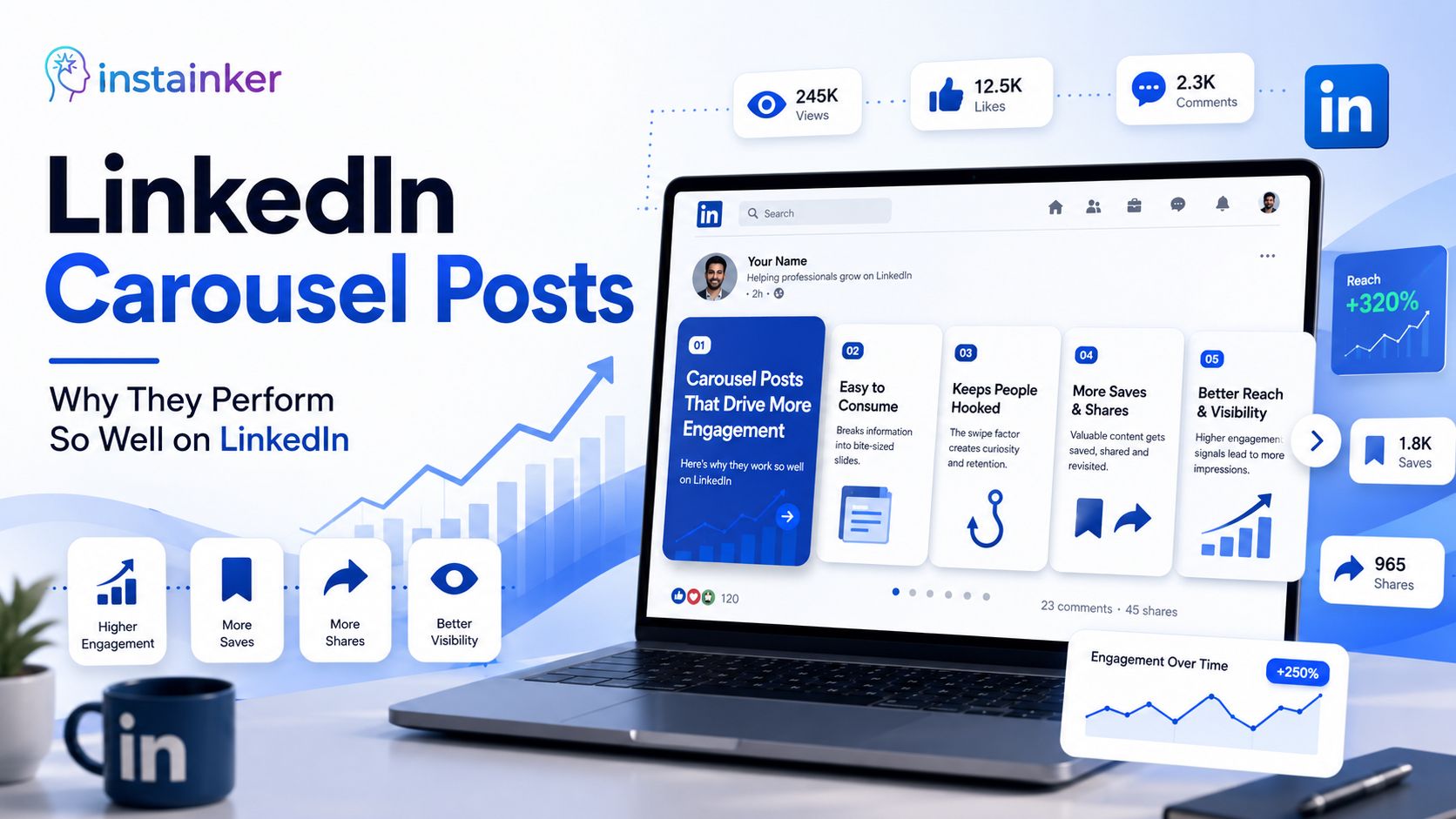
A LinkedIn carousel post is a document-style post where users can swipe through multiple slides directly on LinkedIn. Instead of reading one large block of text, users move through information slide by slide.
Usually these carousel posts include:
- tips
- frameworks
- storytelling
- lessons
- step-by-step breakdowns
- educational content
Most LinkedIn carousel posts are uploaded as PDFs.Once uploaded, LinkedIn automatically converts them into swipeable slides.This format feels much easier to consume especially for people scrolling quickly.
Why LinkedIn carousel posts perform well
They increase attention retention.
Think about normal scrolling behavior.
Someone sees a long paragraph…and often skips it immediately.
But carousel posts create curiosity.
When someone swipes once, there’s a psychological tendency to continue swiping.
People want to see:
- the next point
- the next lesson
- the final takeaway
That small interaction increases engagement time significantly and LinkedIn notices that.
The platform naturally pushes content that keeps users active longer.
Carousel posts feel less overwhelming
A lot of people avoid reading long LinkedIn posts because they look mentally exhausting. But carousel posts break information into smaller pieces.
Instead of one giant wall of text
people see:
- shorter slides
- cleaner visuals
- faster consumption
Which feels easier on the brain and in today’s attention economy, easier consumption usually wins.
Why creators love LinkedIn carousel posts
Carousel posts solve multiple problems at once.
They help creators:
- simplify information
- improve readability
- increase saves and shares
- make educational content easier to understand
Perhaps most importantly they make complex ideas feel simpler.That’s a huge advantage because on LinkedIn, clarity usually performs better than complexity.
What makes a good LinkedIn carousel post?
This is where many people struggle because simply uploading slides does not guarantee engagement.
A strong LinkedIn carousel post usually has:
1. A strong first slide
The first slide is everything.If the opening slide is weak, nobody swipes further.
Good first slides usually:
- create curiosity
- highlight a problem
- promise value
- feel emotionally relatable
The goal is to make people stop scrolling.
2. Simple content structure
One mistake people make is overloading slides with information.Too much text kills attention.
Good LinkedIn carousel posts are:
- clean
- readable
- visually balanced
- easy to skim
People should understand the slide within seconds not minutes.
3. Strong pacing
Good carousel posts create momentum.Every slide should make users curious about the next one.That’s why short punchy slides usually perform better than overloaded educational slides.
4. Useful information
This matters more than design.Even beautifully designed carousel posts fail if the content feels generic.
People save and share content that:
- teaches something useful
- explains something clearly
- feels practical
- feels relatable
The value still matters.
Why LinkedIn carousel posts increase engagement
Carousel posts naturally encourage interaction.
People often:
- save them
- share them
- send them to friends
- revisit them later
These signals help improve reach especially saves because saves usually indicate:“This content is valuable enough to revisit.” LinkedIn pays attention to that behavior.
Common mistakes people make with LinkedIn carousel posts
A lot of carousel posts fail because creators focus too much on aesthetics and not enough on communication.
Some common mistakes include:
Too much text
People are not opening LinkedIn to read essays slide by slide.Keep content concise.
Weak first slide
Without a strong hook, users won’t continue swiping.
Overcomplicated design
Fancy design does not always improve performance.Sometimes simpler performs better.
No clear takeaway
People should leave with:
- a lesson
- a framework
- a useful idea
- an emotional takeaway
Otherwise the carousel feels forgettable.
Are LinkedIn carousel posts better than text posts?
Not necessarily, both formats work differently.
Text posts work well for:
- storytelling
- opinions
- emotional writing
Carousel posts work well for:
- educational breakdowns
- structured content
- frameworks
- visual learning
The best creators usually combine both because different formats attract attention differently.
Why carousel posts are becoming more important now
Attention spans are shrinking.People consume content faster than ever and carousel posts match modern consumption behavior extremely well.
They feel faster, cleaner and easy to process.
Which is why more professionals and creators are using them regularly on LinkedIn.
How Instainker Helps with LinkedIn Carousel Posts
Creating LinkedIn carousel posts is not as simple as uploading slides.
The difficult part is actually:
- structuring the content
- simplifying information
- creating strong hooks
- deciding what each slide should say
They may already have ideas, experiences, long-form posts, notes and valuable insights.But turning all of that into a clean, swipeable LinkedIn carousel takes time.
This is when you can use Instainker.
Instead of manually figuring out:
- how to structure the carousel
- how to break content slide-by-slide
- how to simplify readability
- how to make the flow more engaging
users can input their existing content or post idea into Instainker.The platform then helps generate structured carousel-style content that feels easier to consume and easier to organize.This makes creating LinkedIn carousel posts much faster and mentally less exhausting.
Final thoughts
LinkedIn carousel posts work because they match the way people consume content today.
Fast,visual and easy to process.
But at the end of the day, even the best carousel design cannot save weak content.
The real goal is not just to make people swipe.
It’s to make them:
- remember something
- learn something
- feel something
- save something useful
That’s the kind of content people actually come back to.
Related Articles
Start Creating Better LinkedIn Content
Use InstaInker to generate engaging posts tailored to your style.
Get Started Free