How to Optimize Your LinkedIn Profile for Search Discoverability
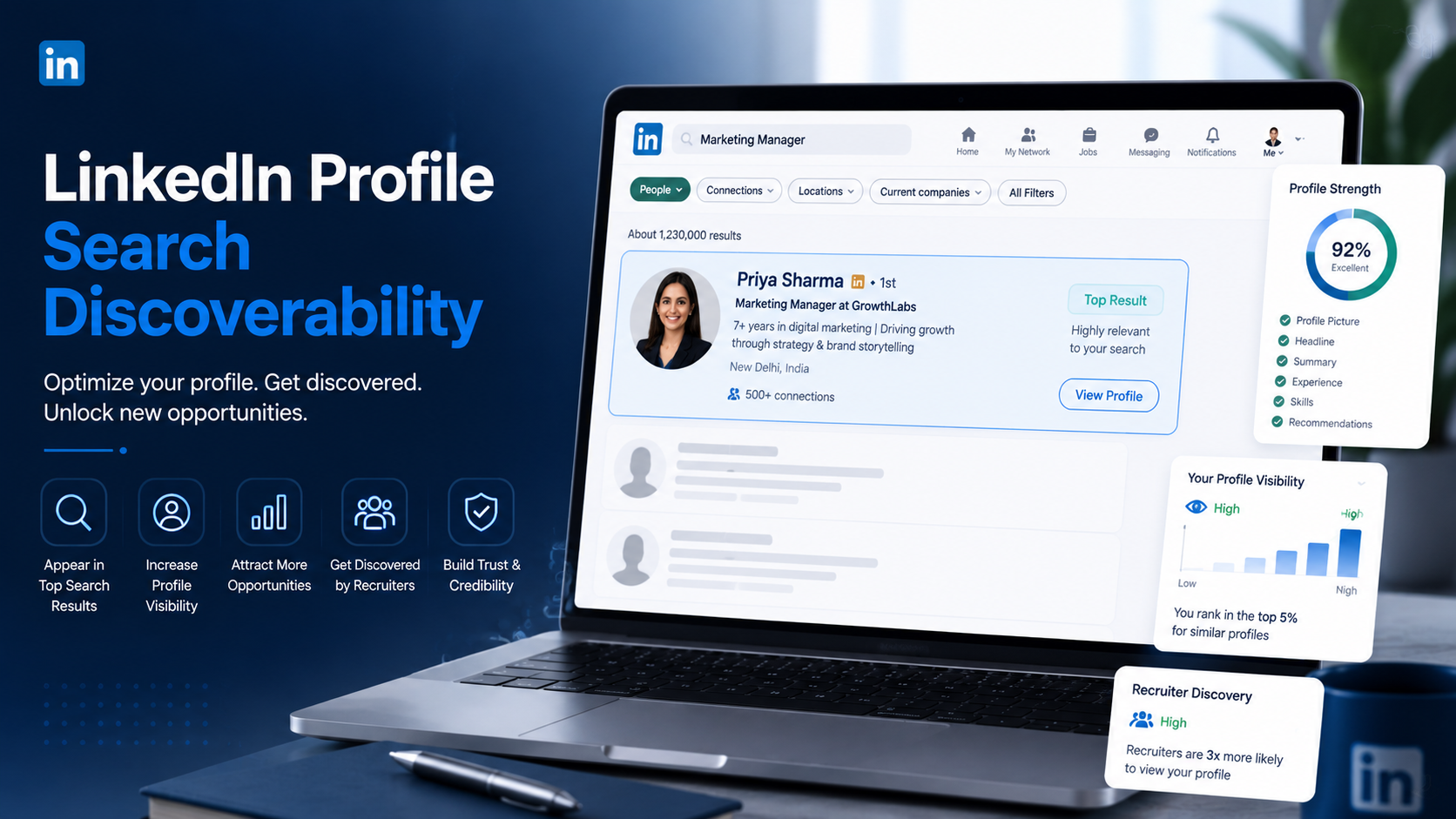
A well-optimized LinkedIn profile is easier for recruiters, clients, and professional connections to find. Learn practical ways to improve search discoverability and increase profile visibility on LinkedIn.
InstaInker Team
InstaInker
Most people spend hours improving their LinkedIn profile.
They update their profile picture, rewrite their headline, add a new banner, and polish their About section.
Then they wonder why nobody is finding them.
The problem is that a good-looking profile and a discoverable profile are not always the same thing.
Many professionals focus entirely on appearance while ignoring how LinkedIn search actually works.
As a result, they create profiles that look impressive but remain difficult to find.
If opportunities cannot find you, they cannot connect with you.
That is why search discoverability matters.
Why LinkedIn Search Matters More Than People Realize
Think about how recruiters, founders, clients, and hiring managers use LinkedIn.
Most of them are not scrolling endlessly through content trying to find people.
They use search.
They type phrases like:
- B2B content strategist
- SaaS marketer
- recruiter
- growth consultant
- product manager
LinkedIn then decides which profiles are most relevant.
The profiles that appear first have a much higher chance of being discovered.
This means LinkedIn search often creates opportunities before networking even begins.
How LinkedIn Search Works
LinkedIn wants to show the most relevant profiles for a search.
To do that, it looks at signals such as:
- Headline
- About section
- Experience section
- Skills
- Activity
- Profile completeness
The easier it is for LinkedIn to understand who you are and what you do, the easier it becomes to surface your profile in relevant searches.
How to Optimize Your LinkedIn Profile for Search Discoverability
1. Optimize Your Headline
Your headline is one of the strongest search signals on LinkedIn.
Many professionals waste it by using vague descriptions.
Instead of: "Founder"
Try: "Founder | Helping D2C Brands Scale Through Performance Marketing"
Instead of: "Consultant"
Try: "B2B Growth Consultant | Lead Generation | LinkedIn Strategy"
Think about the terms your ideal client, recruiter, or customer would search for.
Those keywords should naturally appear in your headline.
2. Improve Your About Section
A simple framework that works well is:
- Who you are
- What you do
- Who you help
- Key achievements
- Skills and expertise
- Call-to-action
For example:
"I help SaaS companies improve LinkedIn visibility, generate inbound leads, and build stronger personal brands through content marketing and profile optimization."
The goal is clarity.
Someone should understand your expertise within a few seconds.
3. Strengthen Your Experience Section
Many professionals only list job titles.
That is a missed opportunity.
Instead of:
"Growth Manager"
Add:
- Managed LinkedIn content strategy
- Generated inbound leads through organic content
- Built content systems for audience growth
- Improved engagement through profile optimization
This gives LinkedIn more context and helps reinforce your expertise.
4. Update Your Skills
Skills help LinkedIn understand your profile.
Review them regularly.
Add skills that reflect the work you want to be known for.
For example:
- LinkedIn Marketing
- Personal Branding
- Content Strategy
- SEO
- Lead Generation
- Demand Generation
The goal is alignment between your profile and your professional focus.
What About Your Profile Picture and Banner?
Profile pictures and banners do not directly improve search rankings.
However, they significantly improve credibility once someone discovers your profile.
Profile Picture Tools
You can create professional headshots using:
- Instainker Headshot Generator
- Canva
- Fotor
- PFPMaker
Banner Creation Tools
You can create LinkedIn banners using:
- Canva
- Adobe Express
- Figma
A good banner should reinforce your professional positioning.
For example:
- A recruiter can highlight hiring expertise.
- A consultant can highlight services.
- A founder can showcase their company.
- A creator can showcase their niche.
The goal is helping visitors understand what you do immediately.
Activity Matters Too
Many people believe profile optimization alone is enough.
It isn't.
LinkedIn wants active users.
Profiles that regularly:
- post content
- comment on discussions
- engage with others
often receive greater visibility than completely inactive profiles.
You do not need to post every day.
Even posting 2–3 times per week and engaging consistently can strengthen your presence.
The Biggest Discoverability Mistake
The most common mistake is trying to optimize for everyone.
People attempt to attract:
- recruiters
- clients
- founders
- marketers
- investors
all at the same time.
The result becomes confusing.
A focused profile is easier for LinkedIn to understand and easier for people to trust.
Clarity usually performs better than complexity.
How Instainker Helps Improve Profile Discoverability
Many professionals know their profile needs improvement.
The challenge is knowing exactly what to fix.
This is where Instainker can help.
Instainker's Profile Optimizer analyzes your profile and provides:
- Profile score
- Headline suggestions
- About section improvements
- Discoverability insights
- Before-and-after comparisons
Users can also generate:
- Professional headshots
This helps improve both discoverability and first impressions.
Instead of guessing what needs improvement, users receive practical recommendations they can implement immediately.
Final Thoughts
Optimizing your LinkedIn profile for search discoverability is not about tricking an algorithm.
It is about creating clarity.
The easier it is for LinkedIn and other professionals to understand what you do, the easier it becomes for opportunities to find you.
A discoverable profile combines:
- strong positioning
- relevant keywords
- complete information
- meaningful activity
Most professionals spend time trying to find opportunities.
Sometimes the smarter approach is making it easier for opportunities to find them.
Frequently Asked Questions
How can I improve my LinkedIn search visibility?
Focus on optimizing your headline, About section, experience descriptions, skills, and overall profile positioning.
Does LinkedIn use keywords to rank profiles?
Yes. LinkedIn uses information from your headline, About section, experience, and skills to understand your expertise and match your profile with relevant searches.
Do profile pictures affect LinkedIn search rankings?
Not directly. However, professional profile photos can improve credibility and increase profile views after someone discovers your profile.
What should I put in my LinkedIn headline?
Include your role, expertise, industry, and relevant keywords that recruiters or clients are likely to search for.
Can Instainker help optimize my LinkedIn profile?
Yes. Instainker's Profile Optimizer provides profile scores, headline suggestions, About section improvements,Profile picture headshots, and profile optimization insights.
Related Articles
Start Creating Better LinkedIn Content
Use InstaInker to generate engaging posts tailored to your style.
Get Started Free