How to Make Bold in LinkedIn Posts (And When You Should Use It)
Learn how to make bold in LinkedIn posts, why creators use bold text, and how proper formatting can improve readability, content structure, and user engagement.
InstaInker Team
InstaInker
If you've spent time reading popular LinkedIn posts, you've probably noticed something.
Some posts immediately stand out.
Not because the ideas are revolutionary or the creator has thousands of followers.
But because the content is easier to read.
One of the most common formatting techniques creators use is bold text.
That is why many people search for "how to make bold in LinkedIn posts."
They see creators using bold text and wonder whether LinkedIn supports it directly.
The answer is both simple and slightly confusing.
Let's break it down.
Can you make text bold in LinkedIn posts?
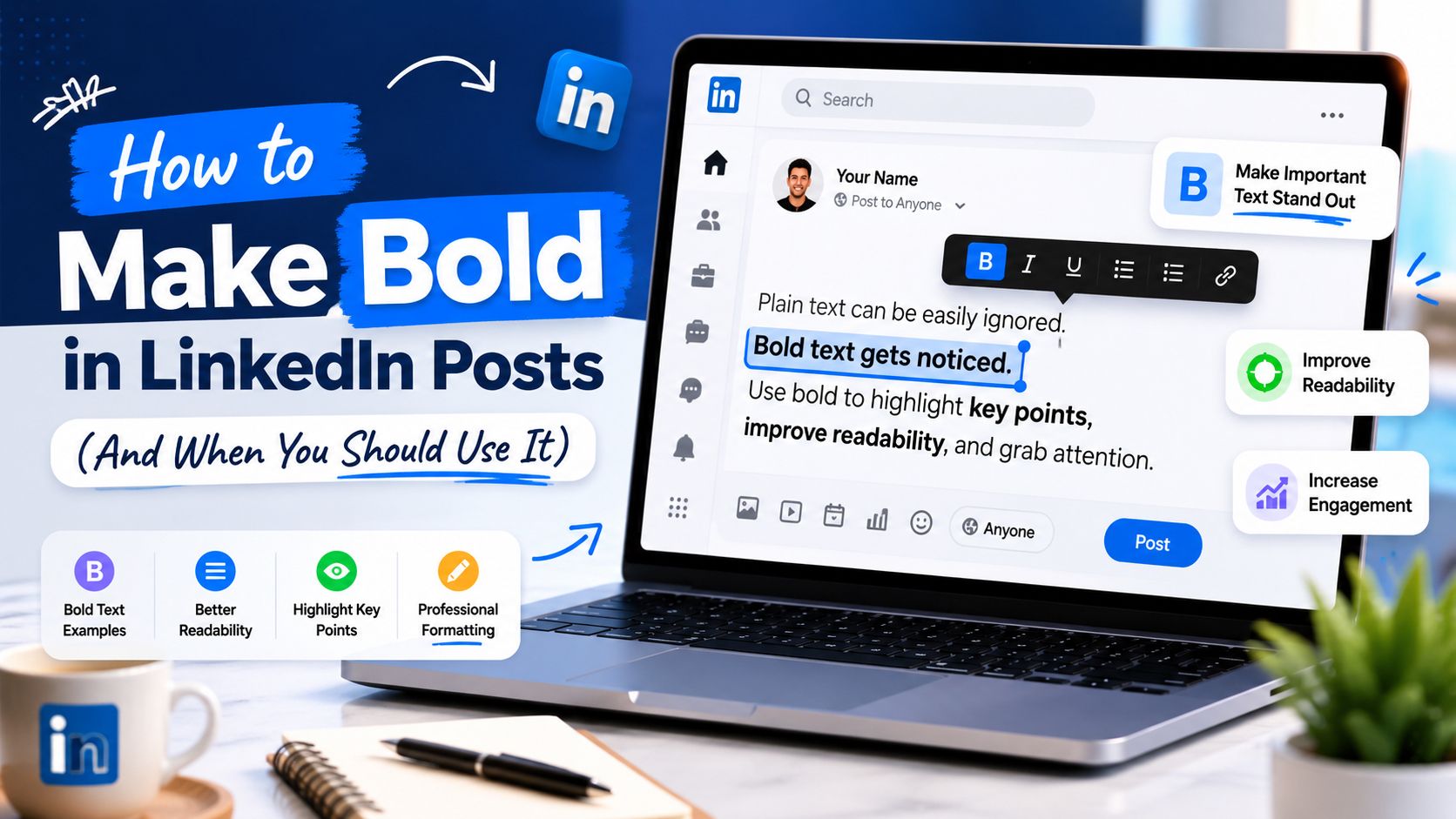
While technically there isn’t a button for bolding text directly within the LinkedIn posting interface, as opposed to Word and Google Docs where you could highlight a piece of text and select “bold,” bolded text can and does regularly appear on LinkedIn.
This is done through the use of Unicode characters that look like bold text but aren’t really bolded.
That is why you frequently see LinkedIn posts containing: 𝗯𝗼𝗹𝗱 𝘁𝗲𝘅𝘁
even though LinkedIn does not officially support text styling inside posts.
How to make bold in LinkedIn posts
The easiest method is using a LinkedIn text formatter that converts regular text into Unicode characters that appear bold on LinkedIn.
You simply:
- type your text
- convert it into bold formatting
- copy the result
- paste it into LinkedIn
The formatted characters appear bold when published.
Many creators use formatting tools because they save time and eliminate the need to manually convert text.
The process is simple.
The challenge is knowing when to use bold text properly.
What tools can you use to make text bold on LinkedIn?
This is where many people get confused.
A common assumption is that you can simply make text bold in Google Docs or Microsoft Word and then paste it into LinkedIn.
Unfortunately, that does not work.
When you copy formatted text from tools like Google Docs, LinkedIn removes the formatting and converts it back to plain text.
That is why most creators use LinkedIn text formatter tools that convert normal text into special Unicode characters that visually appear bold.
Some popular options include:
• YayText
• Unicode Text Converter
• Instainker's Text Formatter
The process is usually very simple:
- Type your text into the formatter.
- Choose the bold style you want.
- Copy the converted text.
- Paste it directly into LinkedIn.
The text will appear bold even though LinkedIn does not officially support rich-text formatting.
Most creators use this technique for:
- key takeaways
- important statistics
- section headings
- call-to-action lines
The goal is not making the entire post bold. The goal is helping readers quickly identify the most important information.
Why creators use bold text on LinkedIn
Most people think bold text is only about aesthetics.
It is not.
The real purpose is readability.
People scroll extremely quickly today.
Most users do not carefully read every word.
Instead, they skim.
When readers skim content, formatting helps guide their attention.
Bold text can help highlight:
- key takeaways
- important lessons
- major statistics
- action steps
- critical insights
This makes content easier to consume.
The easier something feels to read, the more likely people are to continue reading.
The attention span problem
LinkedIn has changed significantly over the last few years.
More creators are publishing content.
More brands are creating content.
More professionals are building personal brands.
As a result, feeds have become more crowded.
Competition for attention has increased.
A large block of plain text can feel overwhelming even when the content itself is valuable.
Formatting helps reduce that friction.
Bold text creates visual structure.
It helps readers quickly understand where important information is located.
This becomes especially useful on mobile devices where most LinkedIn content is consumed.
Does bold text improve engagement?
This is one of the most common questions.
The honest answer is: Not directly.
Bold text itself does not magically increase impressions.
It does not automatically generate comments.
It does not guarantee more followers.
But one thing that it can certainly do is enhance readability.
Better readability will lead to:
- Increased reading duration
- Higher content completion rates
- Better consumption of content.
These can lead to engagement indirectly since ultimately, it is the content that counts.
What bold text does is make it easier for readers to consume the content.
Common mistakes people make
The biggest mistake is making everything bold.
If every sentence is bold, nothing stands out.
The purpose of formatting is creating contrast.
When too much text is bold, the post becomes visually exhausting.
Another mistake is using excessive formatting.
Some creators combine:
- bold text
- italics
- symbols
- emojis
- decorative characters
all inside the same post.
The result often feels cluttered.
Formatting should support communication. It should never distract from it.
Why readability matters more than formatting
Many creators become obsessed with formatting tricks.
The reality is that strong content will always outperform weak content.
Formatting can help people consume content.
It cannot make poor content valuable.
Think about the best LinkedIn posts you've read recently.
You probably remember:
- the lesson
- the story
- the insight
You probably do not remember whether every sentence was bold.
That is an important distinction.
Formatting improves presentation.
Ideas create impact.
The strongest content combines both.
Should every LinkedIn post contain bold text?
Not necessarily.
Some excellent LinkedIn posts contain no bold formatting at all.
Storytelling posts often perform well using simple text.
Opinion-based posts frequently work without any special formatting.
Educational content tends to benefit more from bold text because it often contains:
- lessons
- frameworks
- key takeaways
- structured information
The goal is choosing the right format for the content.
There is no universal rule.
How Instainker helps with LinkedIn formatting
One reason many people avoid formatting is because it feels inconvenient.
They know formatting improves readability.
They just do not want to spend time manually converting text.
This is where Instainker can help.
Instainker includes a Text Formatter tool that allows users to quickly format LinkedIn content.
Users can:
- generate bold text
- improve post structure
- increase readability
- create cleaner content layouts
This makes formatting significantly faster while helping creators maintain a more professional presentation.
The goal is not simply making posts look better.
The goal is making content easier to consume.
Final thoughts
Learning how to make bold in LinkedIn posts is relatively simple.
The more important question is understanding why bold text is used in the first place.
Formatting is not about decoration.
It is about readability.
People consume content quickly.
They skim before they commit to reading.
The use of bold texts may assist in attracting the reader’s attention and making the message stand out. However, one needs to ensure that style is always subordinate to substance.
Bold text serves as just an additional method for drawing attention to great thoughts.
Frequently Asked Questions
Can I make text bold directly on LinkedIn?
No. LinkedIn does not currently provide a built-in bold formatting option for posts. Most creators use Unicode text formatter tools to create bold-looking text.
Why does bold text appear on LinkedIn if the platform doesn't support formatting?
Bold text is created using special Unicode characters that visually resemble bold letters rather than traditional text formatting.
Does bold text increase LinkedIn engagement?
Not directly. Bold text improves readability, which can encourage people to spend more time reading your content. Better readability may indirectly improve engagement.
Can I copy bold text from Google Docs into LinkedIn?
No. LinkedIn removes most formatting when content is pasted from Google Docs or Microsoft Word. A LinkedIn text formatter is usually required.
Should I make my entire LinkedIn post bold?
No. Bold text works best when used selectively for important points, headings, or key takeaways. Overusing it can make content difficult to read.
Related Articles
Start Creating Better LinkedIn Content
Use InstaInker to generate engaging posts tailored to your style.
Get Started Free